iPhone logbook for learner driving
ViaPad
Track every mile, from the first trip to each learner’s goal.
Frequent trips, assisted manual entry, GPS from iPhone, Siri or CarPlay, Live Activities, the widget, statistics, iCloud sharing and PDF, CSV or JSON exports.
Current overview
Daily tracking, aligned with the App Store.
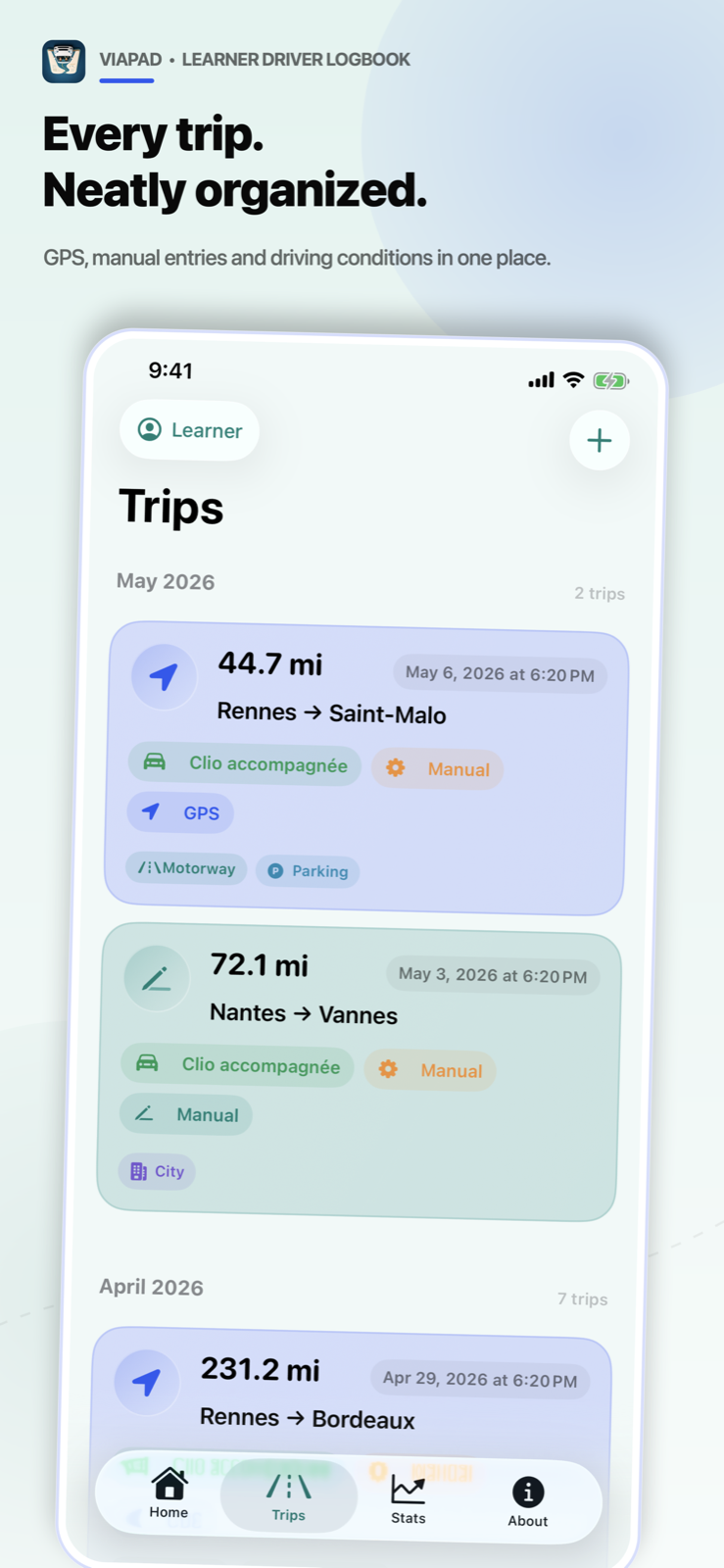
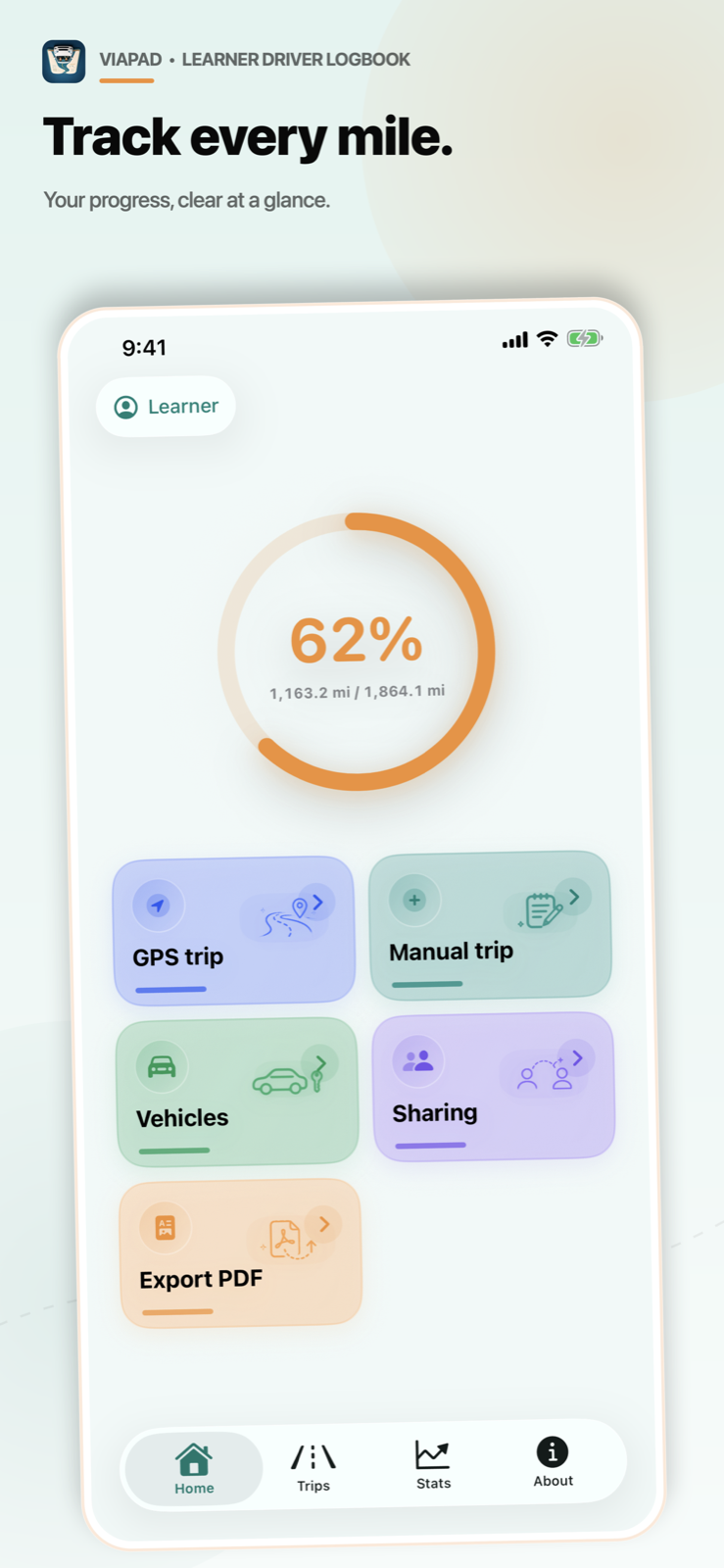
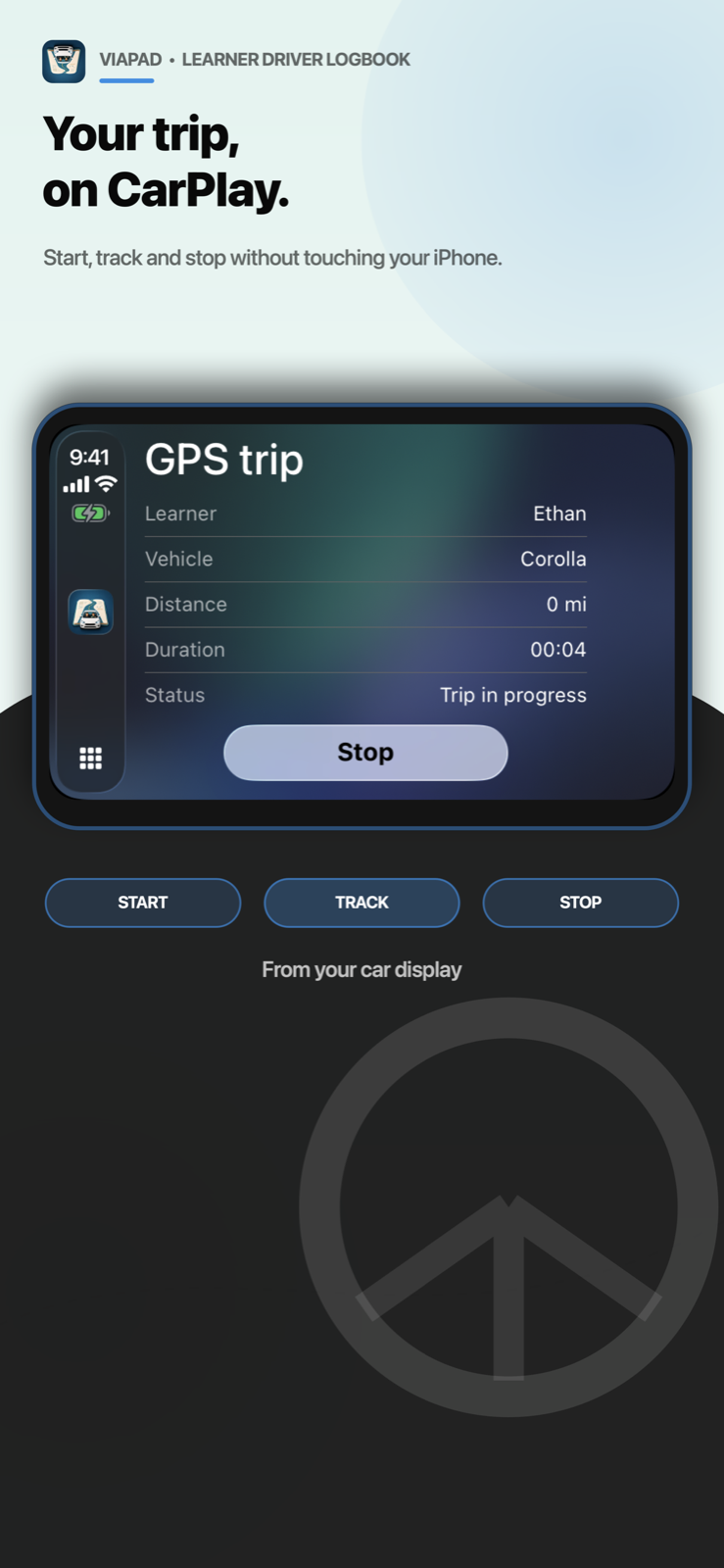
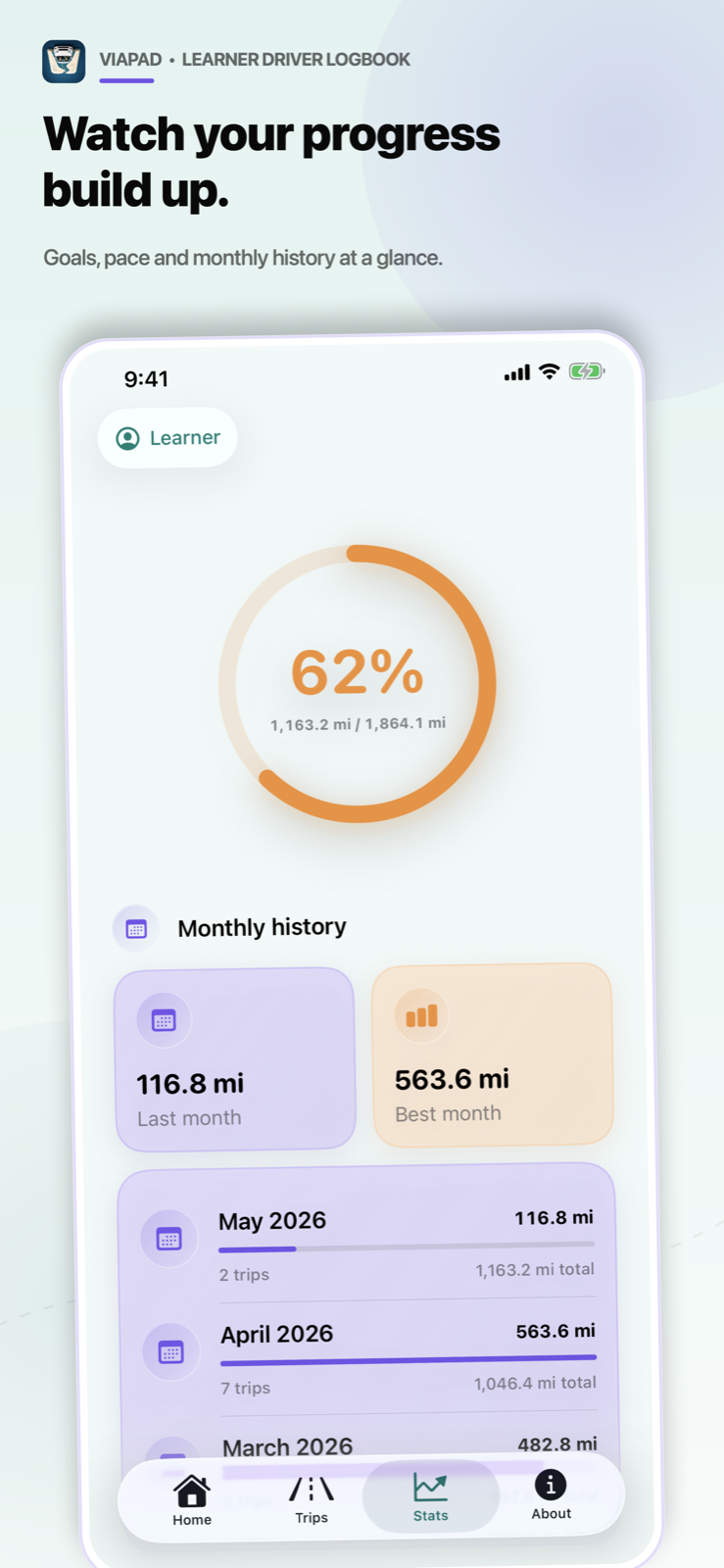
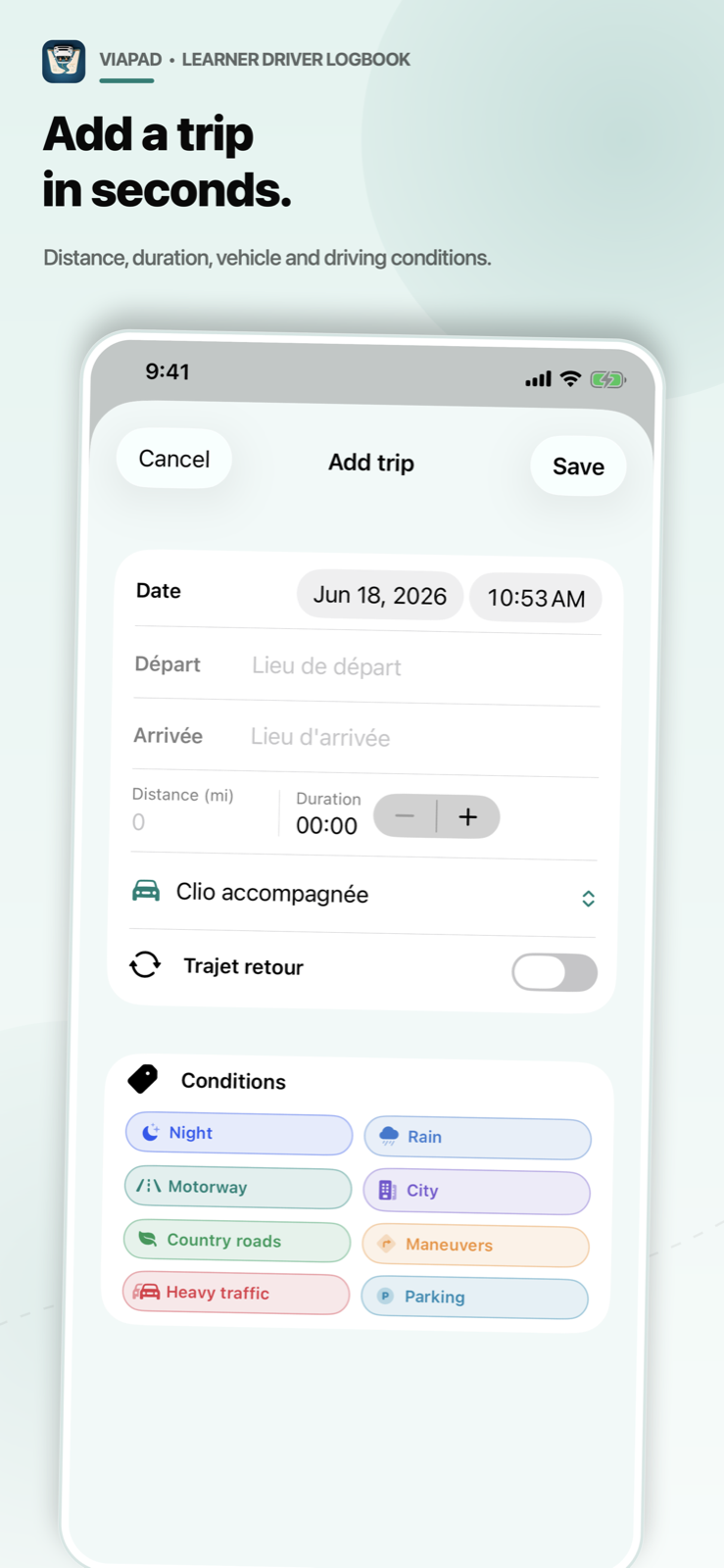
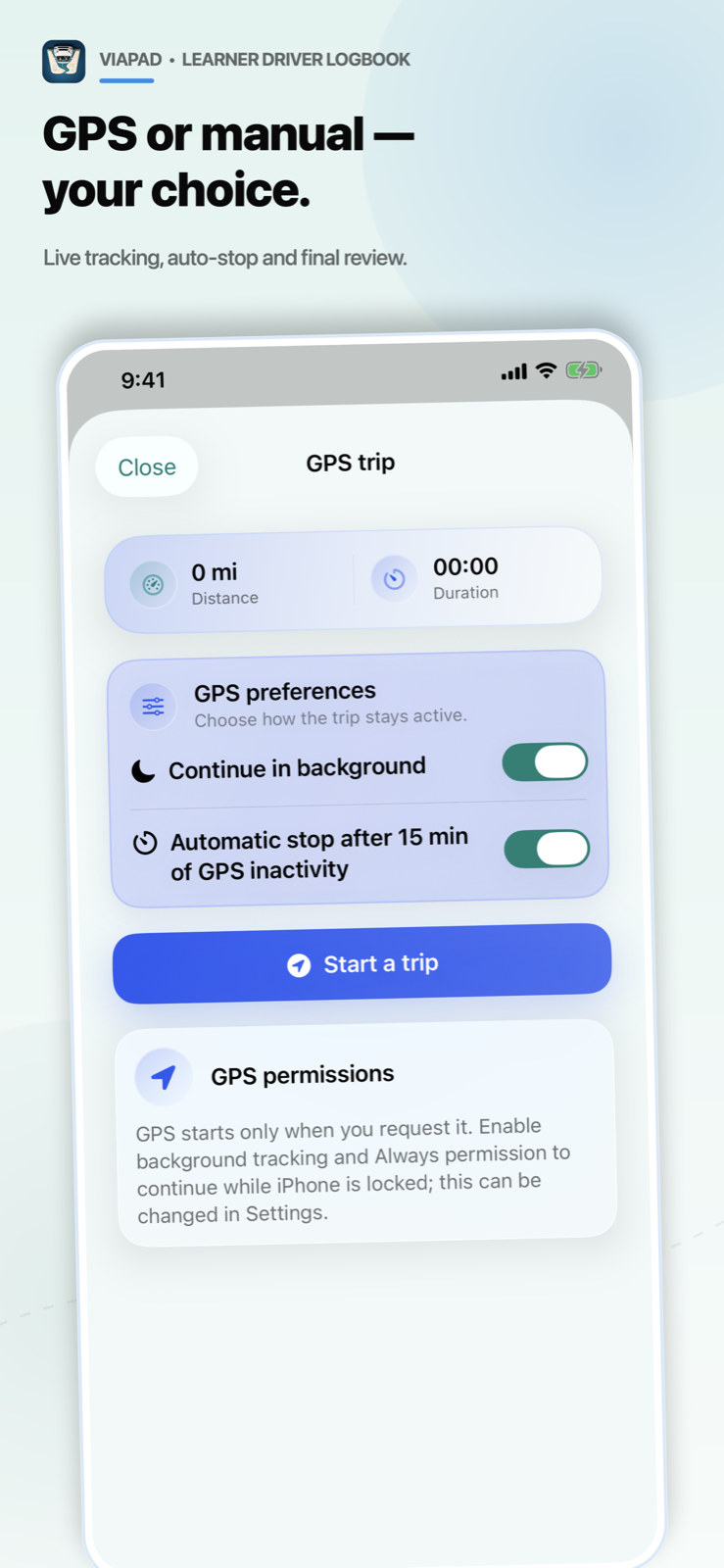
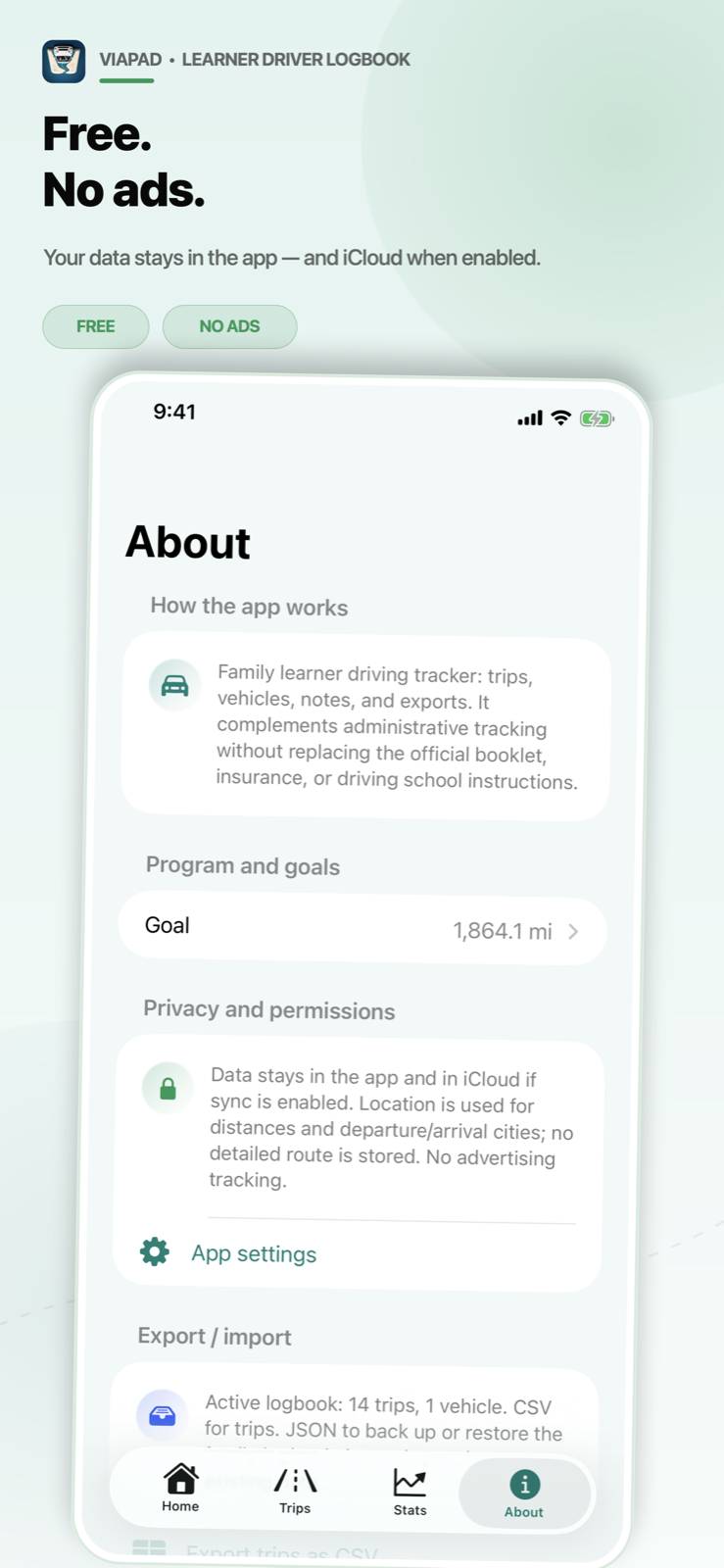
The current screenshots show the complete flow: progress, trips, statistics, manual entry, GPS or manual choice, privacy, CarPlay and Live Activity.
Current version
Version 2.6: frequent trips, faster entry and more robust GPS.
The current version strengthens the daily flows that matter: reuse a trip, fill distance and duration, recover interrupted GPS tracking, and start from the app, Siri, the widget or CarPlay.
Save a manual trip as a template, then reuse its route, distance, duration, vehicle and driving conditions.
Route estimates can fill in expected duration as well as distance, while preserving durations you edit yourself.
An interrupted GPS trip stays available as a local draft that you can review, save or explicitly discard.
The app, Siri, widget and CarPlay share the same start, tracking and logbook consolidation flow.
Key features
The whole learner logbook without juggling tools.
ViaPad covers entry, GPS tracking, vehicles, practiced conditions, goals, statistics, family sharing and exports.
Create one logbook per learner, share family vehicles and keep each trip attached to the right person.
Add a trip in seconds, estimate distance and duration, duplicate a route or reuse a saved template.
Start GPS tracking from iPhone, Siri, the widget or the car display, then review before saving.
Track goals, pace and conditions, share through iCloud and export as PDF, CSV or JSON.
Progress, active learner, iCloud status and shortcuts to GPS, manual entry, vehicles, sharing and PDF export.
Date, departure, arrival, kilometers, duration, vehicle, notes and conditions, with place suggestions and road estimates.
Turn a manual trip into a template so you can quickly reuse the route, duration, vehicle and conditions.
Tracking starts from a user action, shows distance, duration and signal quality, then lets you validate or correct before saving.
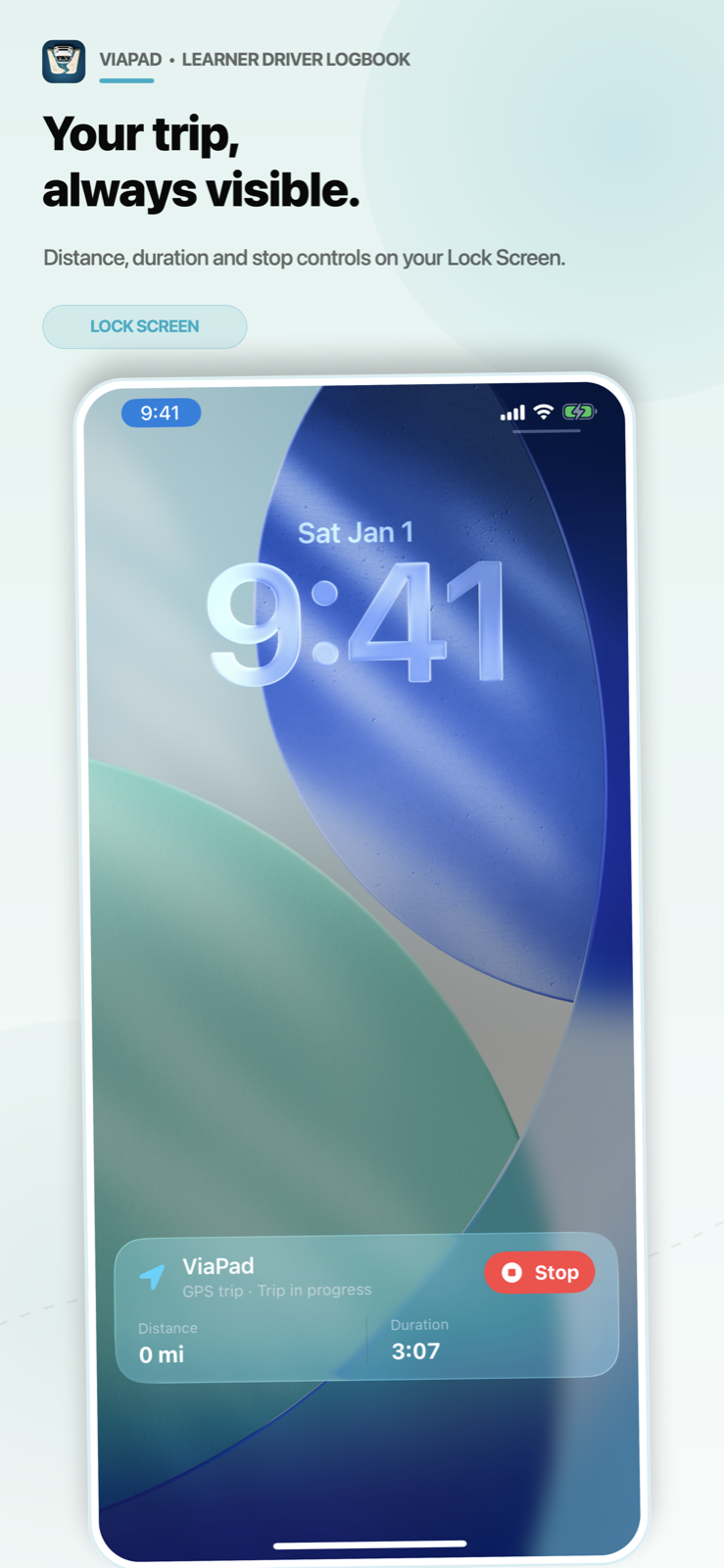
Start from Siri or CarPlay, follow the trip on the Lock Screen or Dynamic Island, then stop without reopening the app.
Family vehicles stay available for each logbook, with tags to mark practiced driving conditions.
Progress, monthly pace, milestones, conditions, gearbox types and the latest trip stay visible in the app and on the iOS widget.
Invited iCloud sharing, PDF summaries, CSV trip files, JSON backup or restore, and data deletion from the About tab.
Family sharing
One logbook per learner, shared around your family setup.
The family can create multiple learners during onboarding or later in the app. Each learner has a logbook, trips, frequent trips, notes, statistics and goal tracking, while vehicles stay available to the whole family.
Sharing uses iCloud: invite only the relevant Apple accounts and manage access from the sharing screen.
Read the FAQParents create the logbooks, add family vehicles, then share each logbook with the relevant learner.
The learner creates a logbook on their iPhone and shares it with accompanying drivers. Parents can find received logbooks in their app.
The logbook can stay personal, with the same entry flow, GPS tracking, statistics and exports.
Public sharing is disabled. Only explicitly invited iCloud accounts can access the shared logbook.
Privacy
Free, no ads and centered on your logbook.
GPS starts when you ask, iCloud stays optional, the full route is not kept and ViaPad does not use ads or advertising tracking.
Location is used to estimate a trip started on iPhone or CarPlay. Background tracking stays optional.
Sync and family sharing use Apple iCloud when you enable them.
Usage measurements are anonymized and do not include places, routes, vehicles, notes or trip identifiers.
The About screen brings together goals, exports, JSON backup and data deletion.
Support
A question, bug or request?
Support covers the app, goals, frequent trips, GPS, Siri, CarPlay, Live Activities, the widget, iCloud, exports and data deletion.
How does family sharing work?
Each learner has their own logbook. A family can create multiple logbooks on one iPhone, share a logbook through iCloud with invited accounts, or keep a logbook unshared.
Can I track something other than 3,000 km?
Yes. ViaPad supports the 3,000 km target and custom kilometer or driving-hour goals.
Does GPS replace kilometer validation?
No. GPS provides an estimate that you can validate or correct before saving.
What are frequent trips for?
They let you save a manual trip as a template, then reuse its route, distance, duration, vehicle and driving conditions.
What does CarPlay do?
CarPlay lets you choose the learner and vehicle, start a GPS trip, follow distance and duration, then stop and save.
What happens if GPS tracking is interrupted?
ViaPad can keep a local draft so you can review the trip, save it or explicitly discard it.
How do I back up or restore the whole logbook?
The About tab can export a complete JSON file, then import a valid ViaPad file.
How do I stop iCloud sharing?
Open the logbook sharing screen in the app to manage invited accounts or stop sharing. Device iCloud settings still apply.
How do I delete logbook data?
In the app, open the About tab and use the data deletion action. If iCloud is enabled, deletion can sync through iCloud.
Important information
A personal tool, not an official service.
ViaPad is not an official app and is not affiliated with ANTS, a driving school or a public administration. It does not replace the official learning logbook, legal documents, driving-school instructions or applicable accompanied-driving obligations.